When you’re an indie author, or a business owner (or both), you spend a lot of time promoting your product, website, service, or whatever. Promoting can be time consuming. The time I spend, posting on Twitter, Facebook, Tumblr, etc, is time I’d rather spend writing. However, its necessary, and it does work. Facebook posts and tweets help me drive traffic to my website, which creates awareness of me and my books, which leads to sales, via Amazon or my online store. But, like I said, creating all of those posts is time consuming. I recently stumbled upon a feature on Facebook which I have found to be extremely helpful.
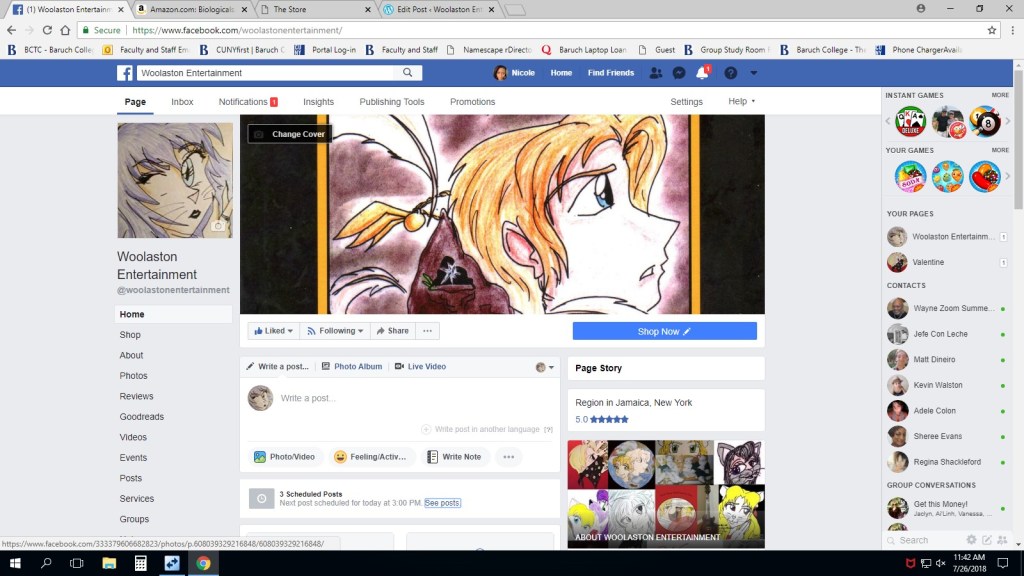
I’m on Facebook Messenger, and Messenger frequently sends me info about tips to use for my business Facebook page. Normally, I ignore most of these tips, because I am bombarded by messages on Messenger, 24/7. There was one tip that caught my attention: Scheduling a post. It had never occurred to me, to SCHEDULE some of my posts. I decided to give it a try, and sat down and created five posts, and scheduled them to be posted at different times on a given day. I checked my page later on, to see if all of my posts had been posted, and they had, on time. I have to admit, this lifted a small weight off of my shoulders. I could create content for my page in one sitting, and choose when I wanted it to appear on the page. I didn’t have to worry about whether or not I had posted enough content on a particular day, throughout the day. This gave me time to focus on other things, such as writing and editing my next round of books.
this lifted a small weight off of my shoulders
Some of you are probably aware of this, but it was new to me. If you haven’t tried it, give it a shot. And it’s very simple: when you create a post, instead of clicking on POST, click the arrow next to the word “post”, and select “schedule” from the drop-down menu. Or, create a post, and select “post options” at the bottom of your post. Click on the arrow next to “now”, then click “schedule”. From there, you can choose a specific date and time for the post to appear. As a side note, I’d recommend scheduling your posts during the time of day your page sees the most traffic. You can determine this by clicking on the “insights” tab, on the top of the page. I’m in love with this feature, and I plan to use it more often!
woolastonentertainment.com

